

Product Categories
Telephone
+8617538627299
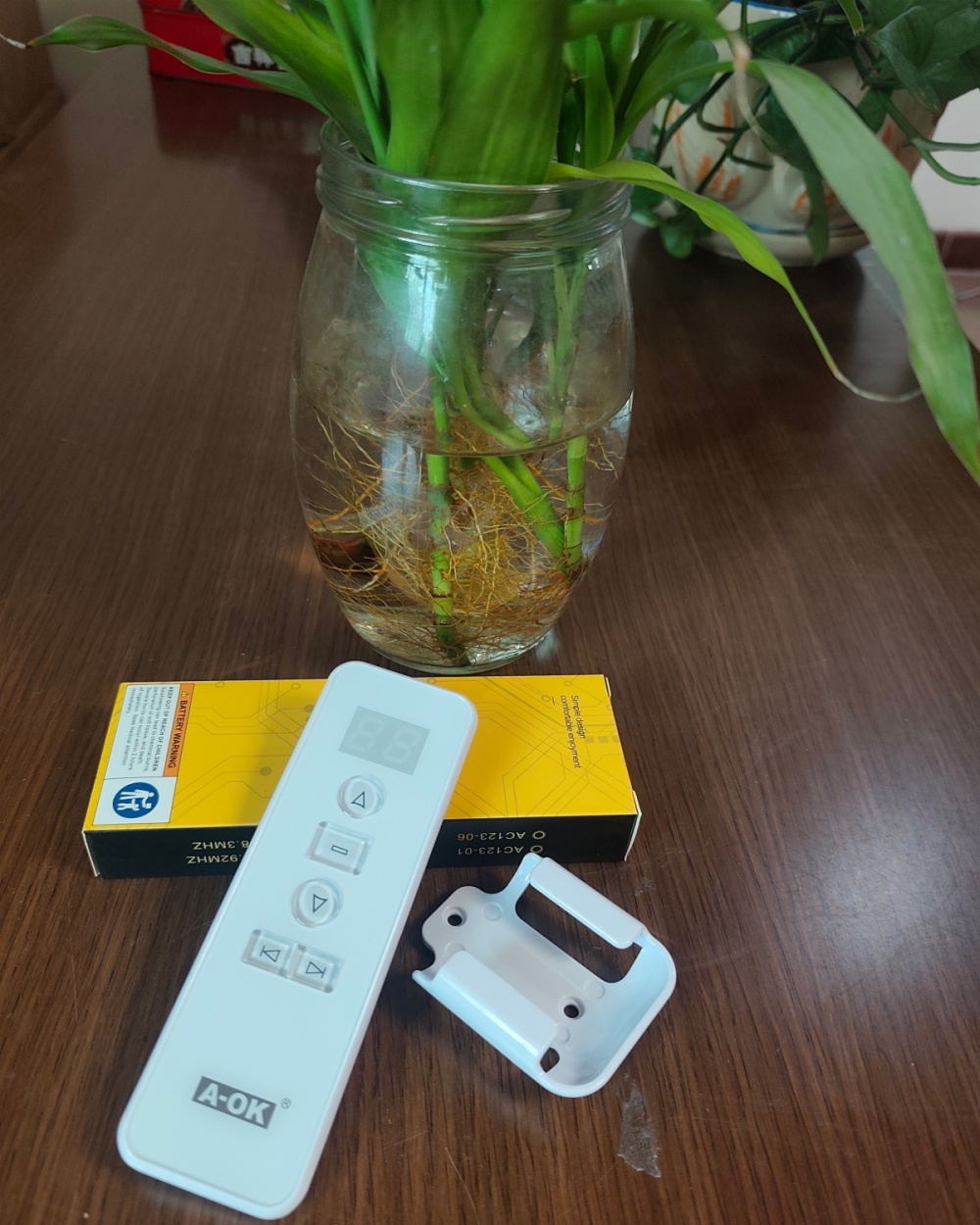
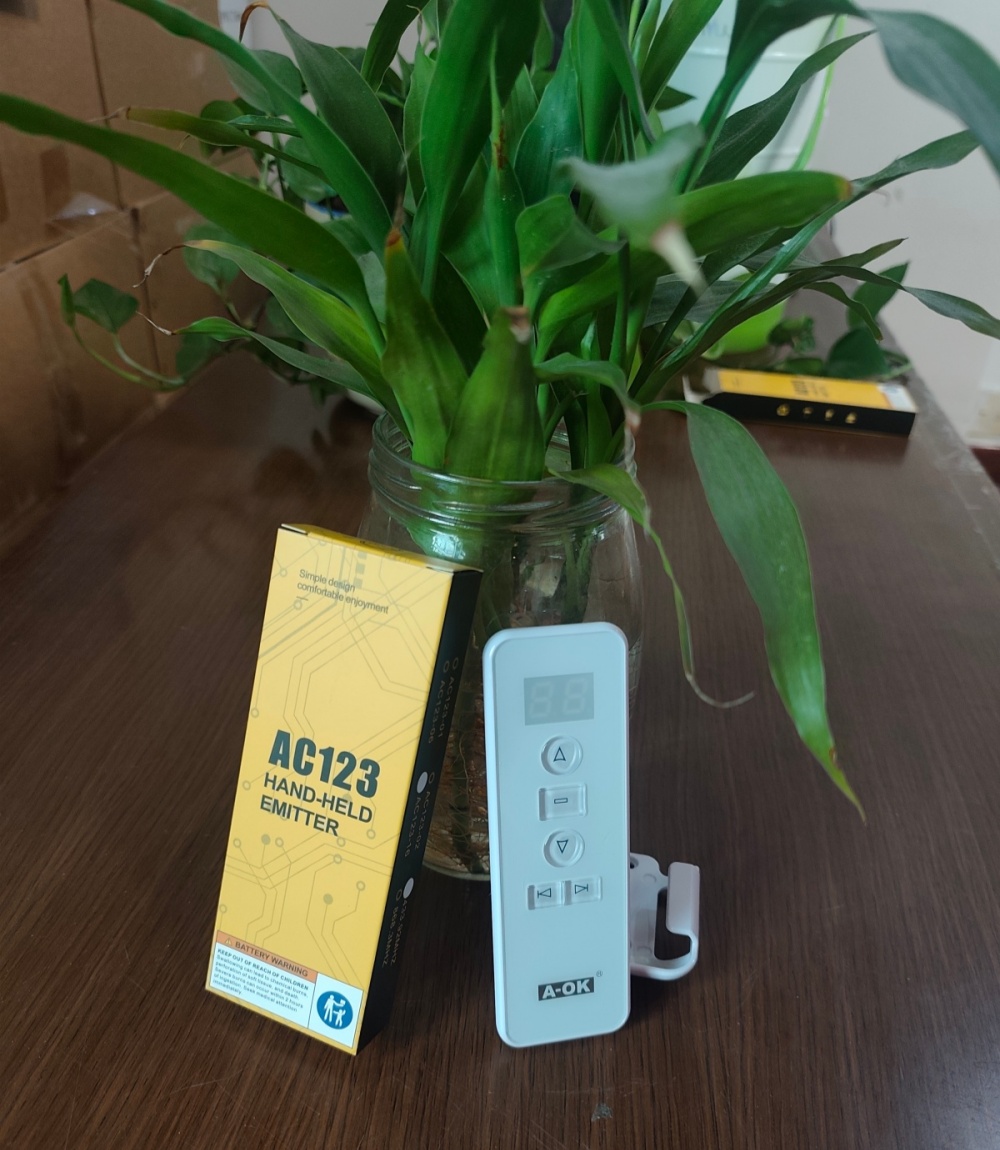
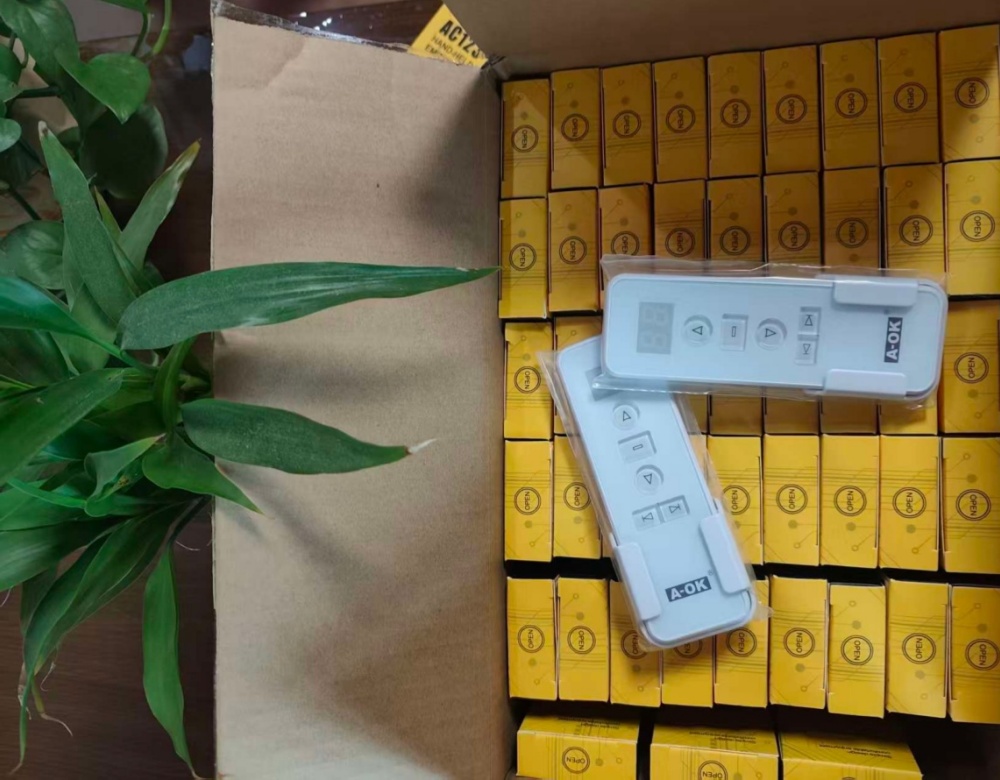
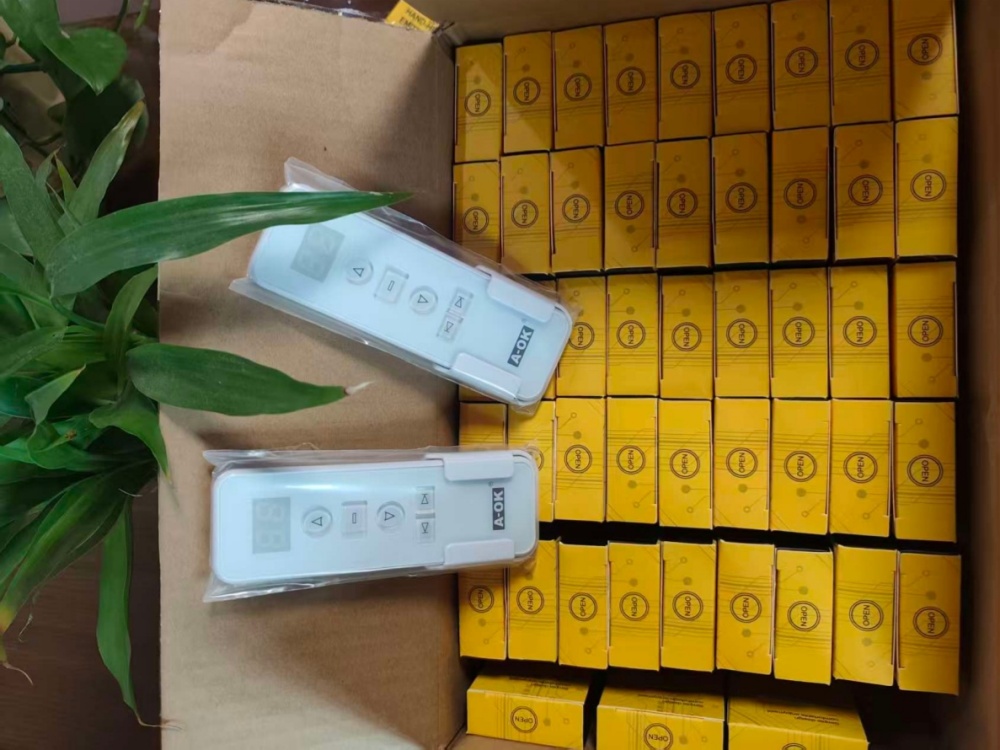
AOK-AC123 Electric Curtain Remote Control - Wireless Design with Wear-Resistant Acrylic Crystal Pane
- category: Automatic Door Accessories
1. Product OverviewThe AOK-AC123-16 is a wireless remote controller designed for electric curtains, supporting multi-channel con...

-
Product Details
-
contact us
1. Product Overview
The AOK-AC123-16 is a wireless remote controller designed for electric curtains, supporting multi-channel control (typically compatible with multiple curtain motors). Key features include:
Wireless RF Control: No need to point directly at the motor, with an effective range of 20–30 meters (environment-dependent).
Adjustable Speed: Allows control over curtain opening/closing speed.
Memory Function: Automatically saves the last operation state (e.g., stop position).
Compatibility: Works with most DC/AC electric curtain motors (ensure motor frequency matches the remote, commonly 433MHz or 315MHz).
2. Remote Control Button Functions
Typically includes the following buttons (subject to actual product):
OPEN: Fully opens the curtain.
CLOSE: Fully closes the curtain.
STOP: Pauses curtain movement.
Channel Selection (CH1/CH2/CH3…): Controls different groups of curtain motors.
Speed Adjustment: Some models support speed adjustment (fast/slow).
3. Installation and Pairing Steps
1. Remote Pairing (with Motor)
Reset the Motor: Press and hold the motor’s pairing button (usually with a pin) until the indicator flashes.
Remote Pairing:
Press and hold the OPEN button on the remote until the motor’s indicator stays lit or beeps.
Release the button to complete pairing.
Test Control: Press OPEN/CLOSE to confirm the curtain responds.
2. Remote Installation
Can be placed on a tabletop or mounted on a wall (some models include a base).
Ensure no metal obstacles block the signal between the remote and motor.
4. Usage Notes
Battery Installation: Use a CR2032 coin cell battery (or specified type), observing polarity.
Signal Interference: Avoid strong electromagnetic devices nearby (e.g., routers, microwaves).
Multi-Device Control: Assign different channels (CH1/CH2, etc.) if controlling multiple curtains.
Reset Function: Press and hold all remote buttons for 10 seconds to restore factory settings.
5. Troubleshooting
Remote Not Working:
Check/replace the battery.
Re-pair the motor.
Ensure the motor is powered.
Curtain Movement Issues:
Check for obstructions in the track or clean dust/debris.
Adjust speed settings if available.
Reduced Remote Range:
Replace the battery or check for signal interference.
6. Compatibility & Expansion
Compatible Motors: AOK series motors (e.g., AOK-M series) or other motors supporting the same frequency.
Smart Home Integration: Can be linked to systems like Home Assistant via RF hubs (e.g., universal remotes).
7. Technical Specifications (Reference)
Operating Voltage: DC 3V (coin cell battery)
RF Frequency: 433.92MHz (common)
Control Range: ≤50 meters (open space)
Operating Temperature: -20°C to 55°C
Products Recommended


Hot info
- [2026-02-08] Safety Edge Sensor for Rapid Roll Door Anti-Crushing Protection
- [2026-02-08] High-Speed Door 0.75KW Servo Motor Control Box Set – Reliable & Efficient Drive Solution
- [2026-02-08] 1.5KW Servo Motor & Control Box Combination - High-Efficiency Drive System for Industrial Doors
- [2026-02-08] Industrial Door Zippers & High Speed Door Zippers - Durable Industrial Door Accessories
- [2026-02-08] 0.75KW High-Speed Door Servo Drive System - Reliable & Energy-Saving Industrial Solution
- [2026-02-08] Manufacturers Foot Pedal Activator & Safety Beam Photocell Barrier Sensor for Medical Sliding Doors
- [2026-02-08] Industrial Door Zippers & High Speed Door Zippers - Durable Industrial Door Accessories
- [2026-02-08] AOK-AC123 Electric Curtain Remote Control - Wireless Design with Wear-Resistant Acrylic Crystal Pane
- [2026-02-08] Permanent Magnet AC Synchronous Servo Motor with Worm Reduction Mechanism for High Speed Door
- [2026-02-08] Precision Synchronous Servo Motor for High-Speed Door – Worm Gear Reduction
- [2026-02-08] Durable PVC Fast Rolling Door Fittings for Enhanced Security
- [2026-02-08] Automatic Repair of Zipper Door Plastic/Polymer Rails
